

Available to the Master subscription tier and above. Upgrade here.
If you need to move your Manuscript to a different world you own, follow these steps:
- Open your Manuscript in edit mode.
- Click on the name of the Manuscript in the left sidebar to access Manuscript settings.
- Go to the Tools tab and use the dropdown to select a world and click on the button to move it:
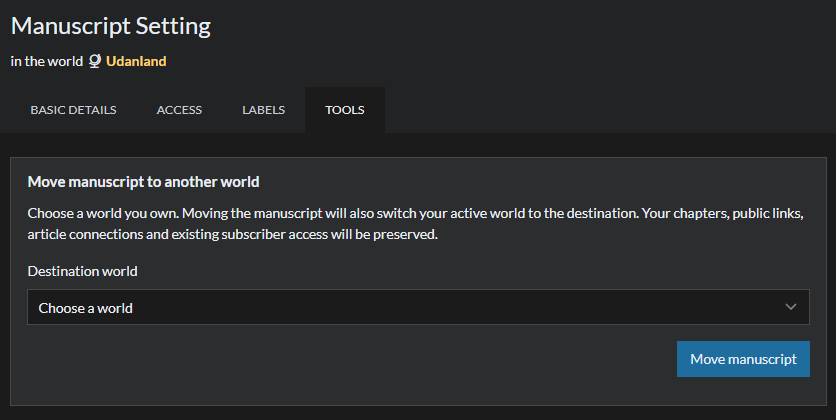
Note that you can only move a Manuscript from and to a world you own. For more information and help with Manuscripts, check the guide to Manuscripts.