

A world on World Anvil is a setting, the place where your story or campaign happens. It could be an actual planet, or it could be a single village or an entire universe. To create a new world, follow these steps:
- Open the world switcher at the top of the right sidebar.
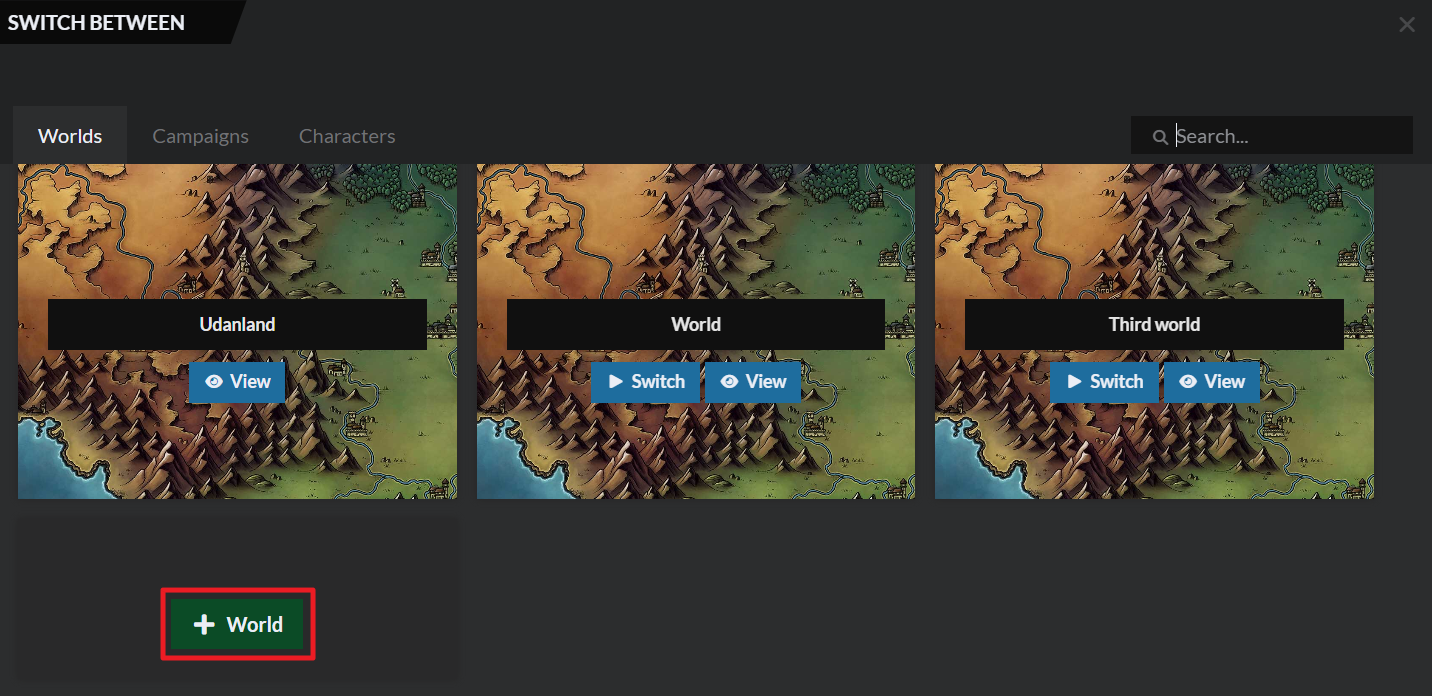
- At the end of your worlds list there will be a New World button. Click it.
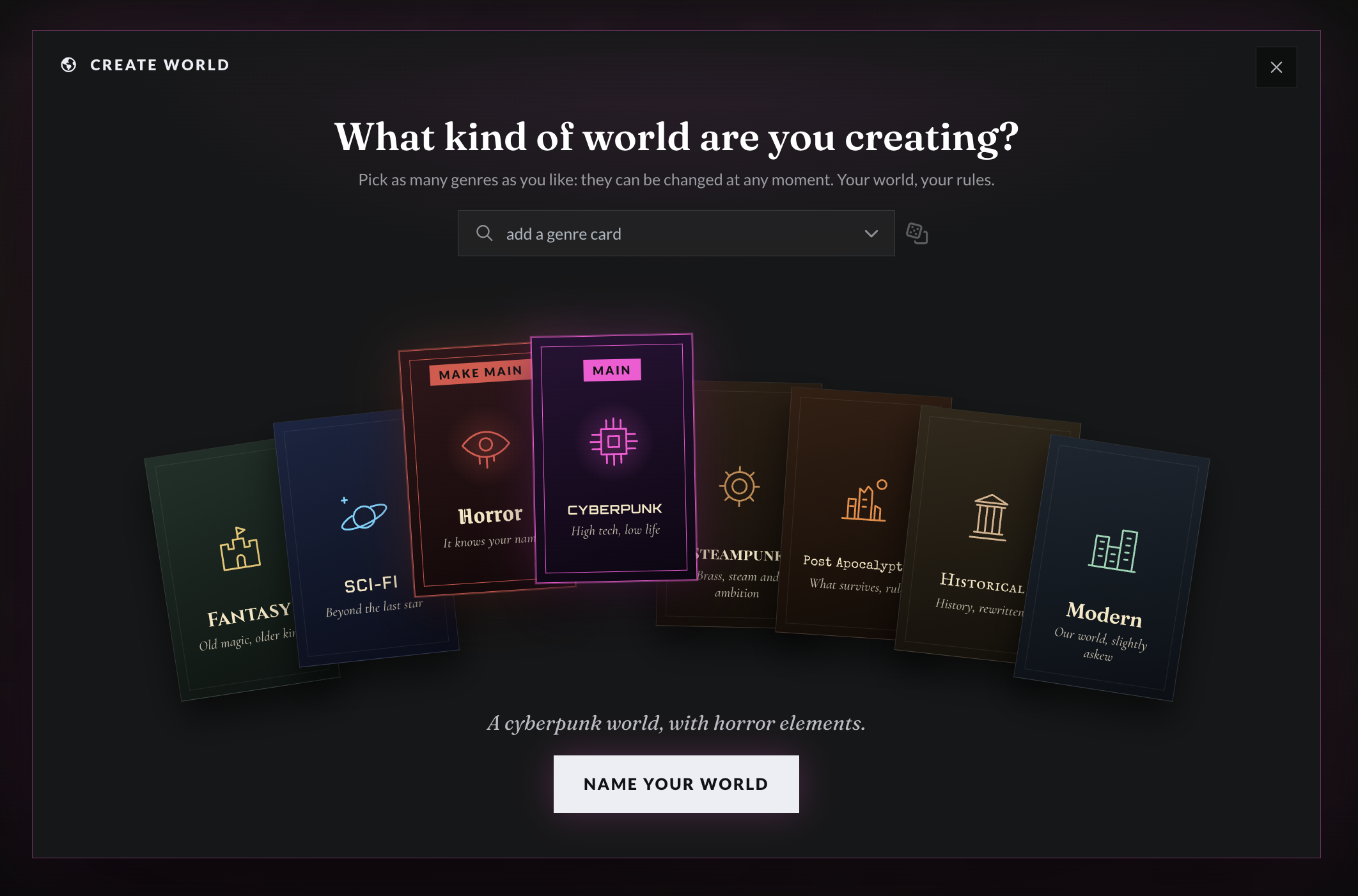
- You will first be asked about the genre. There's a few genres displayed as cards, and you can find new ones in the "add a genre card" drop-down:
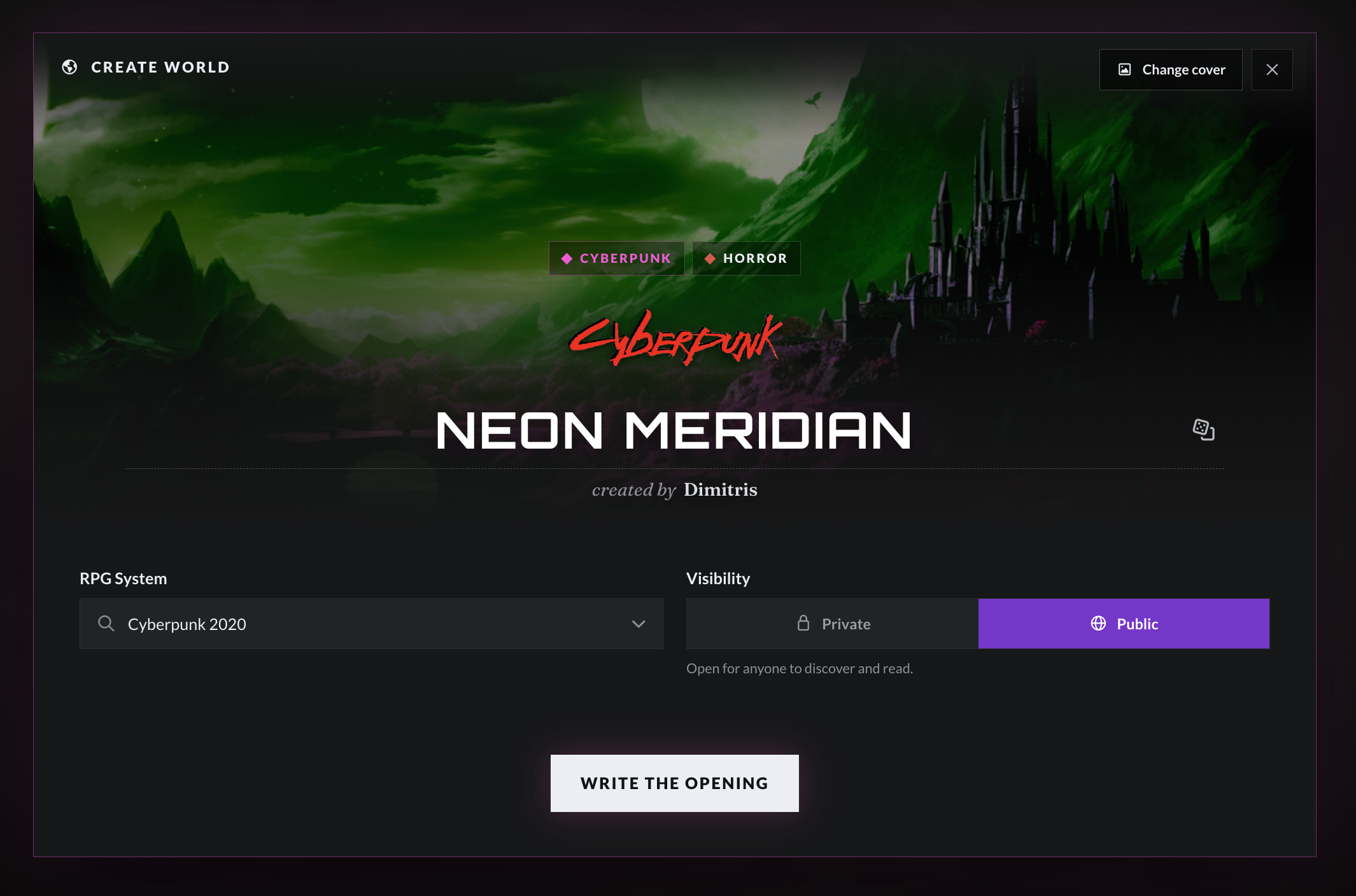
- In the next screen, you'll be able to set the basic details of the world. It will already have a randomly-generated name (which you can change), and you can also pick your RPG system, update the cover image, and choose whether the world should be public or private:
- In this screen, you'll get a narrative summary of your choices so far, and the option to write a quick introduction to the world.
- You'll be able to change all of these options later, so click the Create world button and your world will be created!
You can then follow one of our suggested workflows to get started: Writer, Game Master, and Worldbuilder.